The Shift from Synology to a DIY Setup
The decision to move away from Synology wasn’t about avoiding challenges. It was about seeking more power, control, and flexibility. I found all of that in a do-it-yourself (DIY) setup. However, what I didn’t anticipate were the small frictions that accumulate over time when leaving a well-integrated system. Looking back, it feels like I left behind a well-oiled machine that just worked.
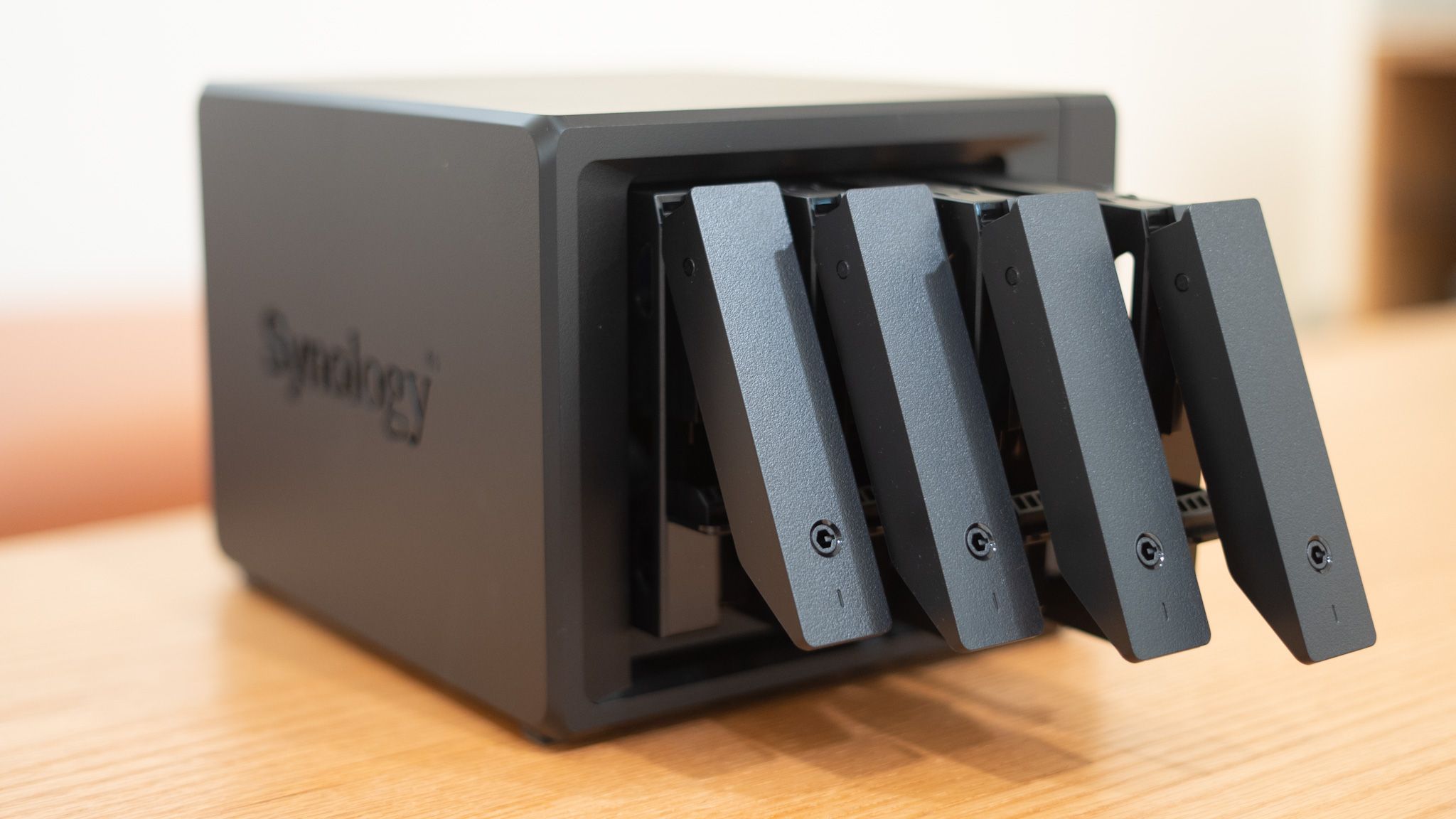
Here are seven things I wish someone had told me before I said goodbye to DSM and decided to build everything myself from the ground up.
Synology’s Ecosystem Was Actually Good
Synology’s DiskStation Manager (DSM) is often seen as a solution for users who prefer not to get their hands dirty. While it’s user-friendly, it’s also deeply functional. Everything works seamlessly together, creating a cohesive platform. This level of integration wasn’t immediately apparent when I was using a Synology NAS. The realization came later when I tried to recreate that flow after switching away. Despite my efforts, the experience never felt as smooth.
DSM hides a lot of complexities under the hood, making it feel like a well-oiled machine that just works without needing constant attention.
Backups Were Easy-Peasy
One of the biggest advantages of using Synology was how effortless backups were. I rarely had to think about them. Time Machine was set up for my Mac, working every weekend, while Synology’s Active Backup for Business took care of my Windows machine with ease. The system also offered native apps to connect with external cloud services like Google Drive, without requiring complex third-party integrations.
In contrast, with my DIY setup, snapshots require more planning. Syncing tools sometimes need manual scripting, and I often feel uncertain that everything will work as expected. I have to check regularly to ensure nothing has broken silently.
Power Efficiency Matters
Building a home NAS can be a different experience compared to using a pre-built system. Depending on how you configure your devices — whether using a Raspberry Pi or repurposing an old desktop — your power consumption can vary significantly, especially if you’re reusing old parts.
Synology systems are designed to be power-efficient, especially their consumer models. They idle efficiently, spin down drives when needed, and remain quiet most of the time. While the increase in power consumption isn’t massive, the overhead becomes noticeable and concerning over time.
Maintenance Doesn’t Come Easy
A DIY setup offers more control, but it also comes with the responsibility of maintenance. On my own system, I often find myself fixing containers, troubleshooting updates, and rewriting backup rules. These tasks can be time-consuming and frustrating.
With Synology, I felt much more at peace. It felt like a plug-and-play device that required minimal attention once properly configured. Issues would only arise after weeks, if at all.
Community Doesn’t Mean Support
In my enthusiast days, I was fine spending hours searching Reddit for solutions to obscure problems. But now, with a busy schedule, I need quick fixes from professionals. Unfortunately, this isn’t possible with a self-built system.
I don’t have a support channel where I can raise a ticket or speak directly to someone who understands my problem. I have to wait for community members to vote on solutions and hope they work. If not, I repeat the process.
Mobile Access Should Be a Necessity
I relied heavily on Synology’s mobile apps, such as DS File and Synology Photos, to access files even when not using my laptop. Now that these are gone, I’m stuck with stop-gap solutions that lack cohesion.
There are alternatives like Tailscale, FileBrowser, and Nextcloud, but they feel fragmented. Each has its quirks, and I have to navigate them individually, which is far from seamless.
Family Members Care About Reliability
While my DIY setup might look cool with a reverse proxy and a custom dashboard, my family doesn’t care about the technical details. They just want the NAS to reliably back up photos, stream movies, and allow easy document access without needing help.
Synology excels in this area, offering a user-friendly experience for home users transitioning from services like Google Drive. It works consistently, even when I’m not around.
DIY Offers Flexibility and Power
While Synology and other branded NAS systems offer stability and convenience, building your own setup can still be worthwhile. Whether it’s saving money by using existing hardware or pursuing greater flexibility and customization, a DIY setup can provide unmatched value in the long run.